Roommate, Renter, or Host: switching roles
One account, up to three profiles. What each role does, how the role switcher at the top of your Profile works, and what changes when you move to a professional host plan.
The three roles
- Roommate: you want people first, place second. You get the compatibility assessment, match scores, connection requests, and Squads.
- Renter: you want a flat or a room. You browse verified listings, save and compare them, contact the host, schedule viewings, apply, and track the application to move-in.
- Host: you have a spare room or a property to rent out. You create listings, receive connection, viewing, and application requests, and run the contract and payment steps.
The role switcher
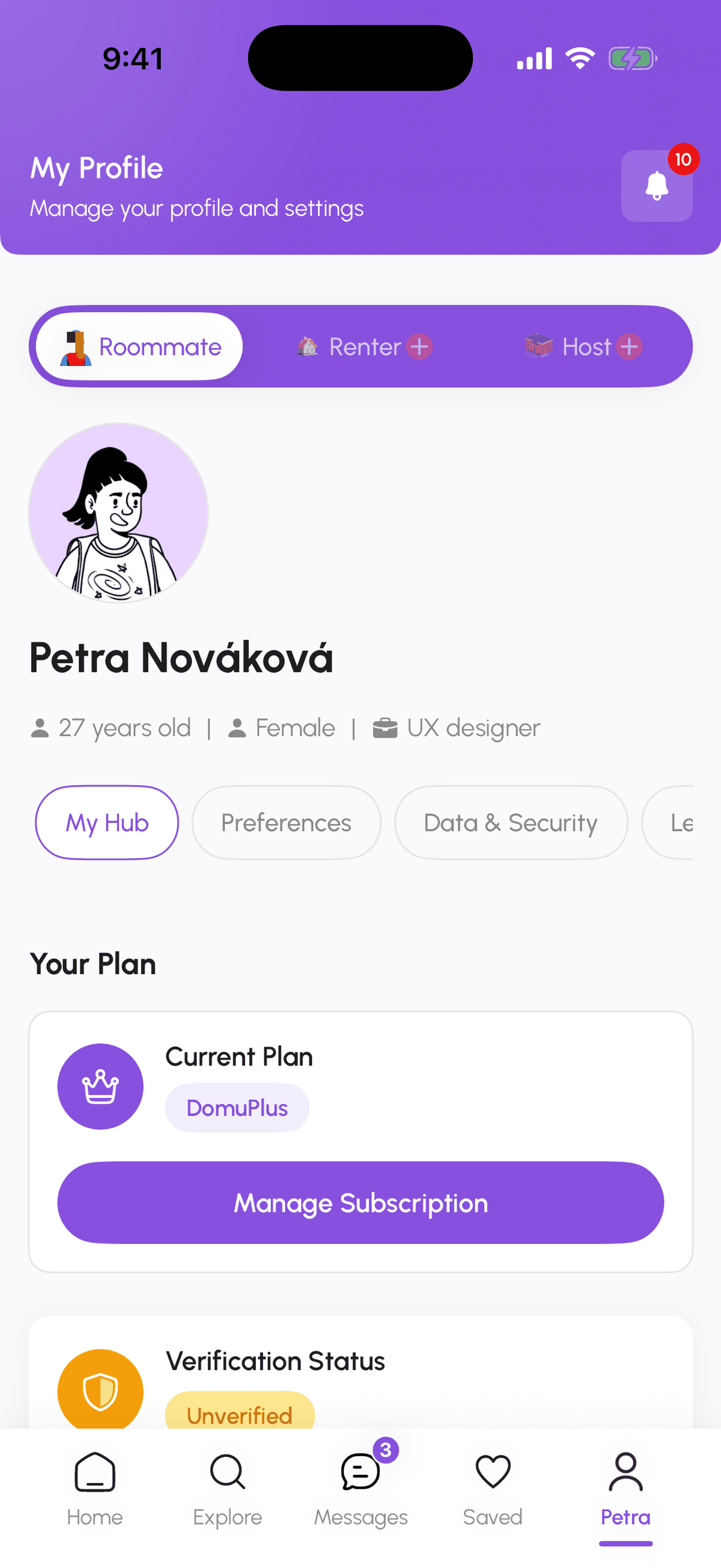
Open your Profile. The bar at the top shows Roommate, Renter, and Host. The active role is highlighted. A role you have not created yet shows a small plus sign, for example "Renter +". Tap it to run the short setup for that role; you will not be asked again for details you already gave, such as your name.
Switching is instant and changes what the app shows you: the Home feed, the Explore tab, the bottom navigation, and your profile page all follow the active role. Nothing is deleted when you switch; your other profiles, conversations, saved items, and applications are exactly where you left them.
What other members see
People see the profile that belongs to the context: a host who receives your application sees your Renter details, a roommate match sees your Roommate profile. Your name, photo, and Verified badge are shared across roles, so you verify your identity once.
Personal host versus professional host
The Host role on a personal plan (DomuPlus or DomuPro) is for one spare room or property where you live. If you manage several properties, or you are an agency, you need a professional host plan (Host Pro, Host Premium, or Host Enterprise). Moving to a professional plan pauses your Roommate and Renter profiles, because a professional host account is a different kind of account. The app warns you before the switch. Details are in Choose a professional host plan.
Agency accounts
Real-estate agencies work differently again: the agency owner is set up by DomuHQ, completes the agency setup on the web, and invites agents. Agency owners see a reduced app with Home and Profile only. See Agencies: dashboard, agents, and seats.
Step-by-step
- 1
Open your Profile
5 secondsTap the Profile tab (on iPhone it shows your first name) or open Profile from the menu on the web.
- 2
Tap the role you want
5 secondsTap Roommate, Renter, or Host in the switcher. A role with a plus sign has not been created yet.

- 3
Set up a new role if asked
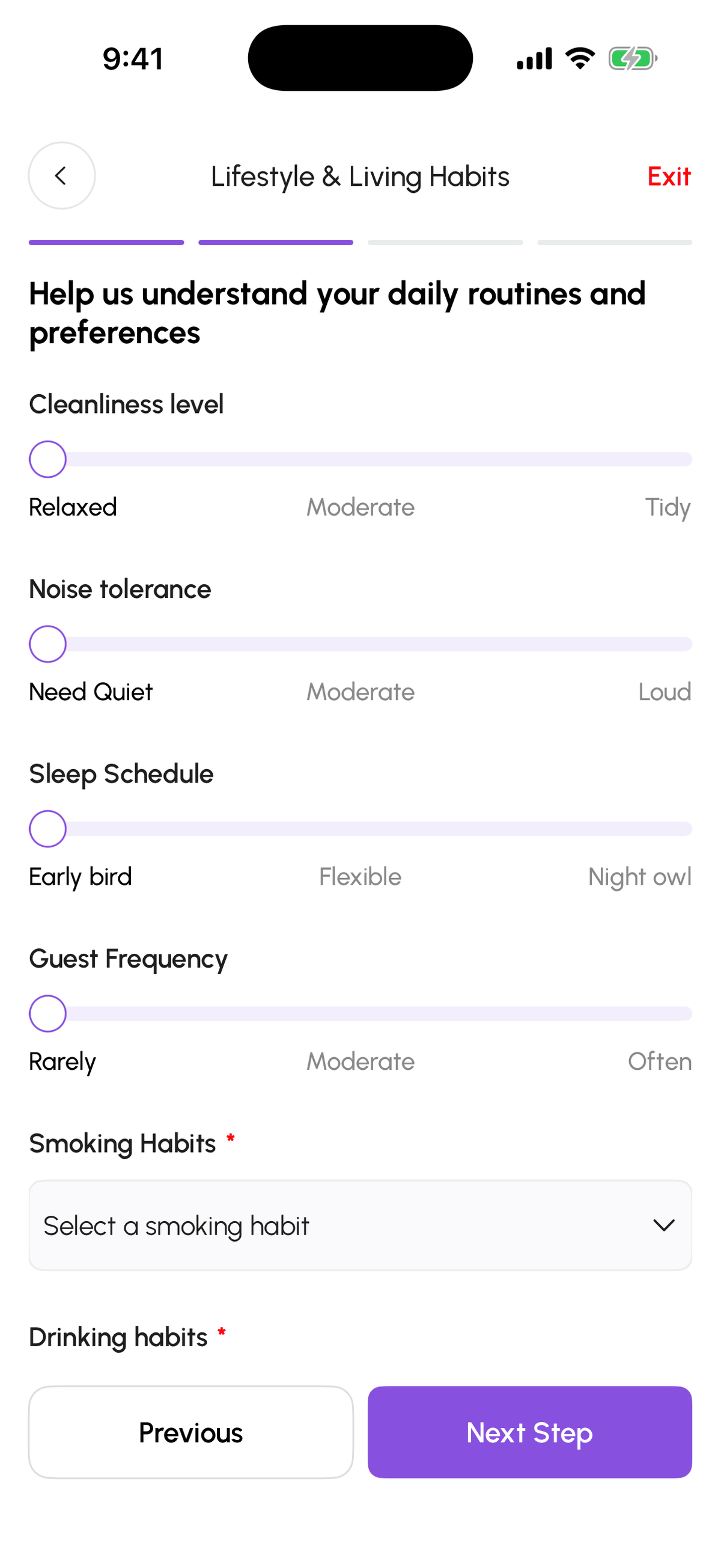
2 to 4 minutesFor a role with a plus sign you go through its short setup once (renter preferences, host onboarding, or the roommate steps). Existing roles switch immediately.
Frequently asked questions
Do I have to verify my identity for each role?
No. Identity verification is done once per account and the Verified badge shows on every role.
What happens to my Squad if I switch to Renter?
Nothing. Squad membership belongs to your Roommate profile and is waiting for you when you switch back.
Can I delete one role but keep the account?
Not from the app today. Switch to another role and leave the unused one alone; if you want it removed, write to support@domuhq.cz.
Related articles
Choose a professional host plan: Host Pro, Host Premium, Host Enterprise
One spare room fits the personal Host role on DomuPlus. Several properties need Host Pro (1 to 3 listings), Host Premium (up to 10, bulk upload, team tools) or Host Enterprise (unlimited, custom pricing). Free until 2027.
BeginnerAgencies: dashboard, agents, seats, and CRM connection
How a real-estate agency runs on DomuHQ: the owner completes setup on the web, invites agents into seats, watches the portfolio on the Agency overview, and can connect a Sreality-compatible CRM to publish listings automatically.
IntermediateComplete your profile and get the Verified badge
Raise your Profile Score with a real photo, a bio, lifestyle details, and photos, then verify your identity with a government ID and a selfie to earn the Verified badge.
Beginner